
HVAC Troubleshooting
Thermostat Screen Went Blank?
No display, no response, no HVAC. Here's how to troubleshoot a dead thermostat.
What's Going On
Understanding the Problem
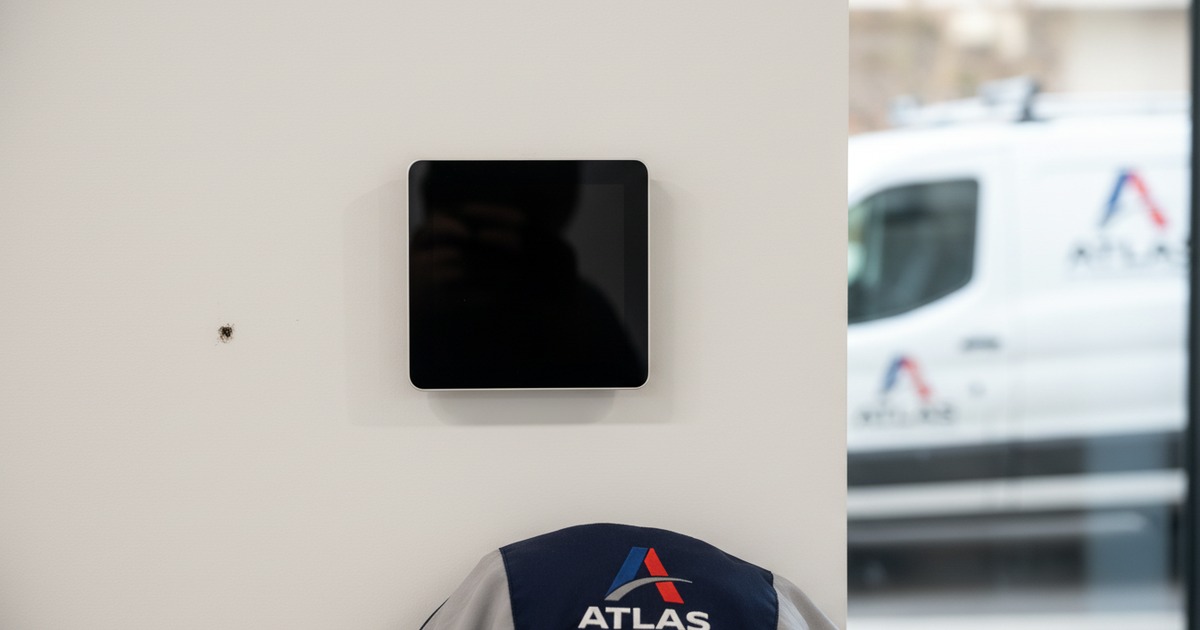
Your thermostat screen is completely dark or unresponsive. Since the thermostat is the brain of your HVAC system, nothing works when it goes down — no heating, no cooling, no fan. This can be caused by something as simple as dead batteries or as complex as a wiring problem.
Diagnosis
Common Causes
1Dead batteries
Many thermostats (even hardwired ones) use AA or AAA batteries as backup or primary power. When they die, the screen goes blank and the system stops responding. This is the most common cause and the easiest fix.
2Tripped breaker or blown fuse
Hardwired thermostats get power from the HVAC system's transformer (usually 24V). If the breaker for the air handler trips or the transformer fuse blows, the thermostat loses power.
3Tripped safety switch (float switch)
Some HVAC systems are wired so the condensate float switch cuts power to the thermostat when the drain pan is full. This is actually a safety feature to prevent water damage — but it kills your thermostat with no obvious reason.
4Loose or damaged wiring
The thermostat is connected to the HVAC system by low-voltage wires behind the wall plate. If a wire comes loose (from vibration, paint work, or the thermostat being bumped), it loses power.
5Failed transformer
The HVAC system has a 24V transformer that powers the thermostat and control board. If it fails, the thermostat gets no power. This requires professional replacement.
DIY Troubleshooting
What You Can Try
Replace the batteries
Pop the thermostat face off the wall plate and look for a battery compartment. Replace with fresh AA or AAA batteries. The screen should come back immediately.
Check the HVAC breaker
Go to the electrical panel and make sure the breaker for the air handler / furnace is on. This is the unit that powers the thermostat — not the outdoor unit breaker.
Check the furnace power switch
Look for a light switch on the wall near the furnace or air handler. If it's off, the thermostat gets no power. Flip it on.
Check the wiring
Carefully pull the thermostat off the wall plate and check that all wires are firmly seated in their terminals. Look for any loose or disconnected wires. Don't touch exposed wire ends together — this can blow the transformer fuse.
Check the condensate drain pan
If the drain pan under the air handler is full of water, the float switch may be cutting power to the thermostat. Empty the pan and the system may restore power — but the clogged drain still needs attention.
Know When to Call
When to Call a Pro
If new batteries don't fix it and the breakers are fine, the problem is likely a blown transformer fuse, a failed transformer, or a wiring issue inside the wall. These require professional diagnosis and parts. Don't try to bypass the thermostat wiring — even at 24V, crossing the wrong wires can damage the control board.
Pro Tip
Keep spare thermostat batteries in the same drawer as your air filters. Batteries typically last 8–12 months. When you change your filter quarterly, check the battery level on the thermostat screen — most models show a low battery indicator well before they die completely.
More Troubleshooting